Category: Emails inside automation

  • Use HTML emails in automation

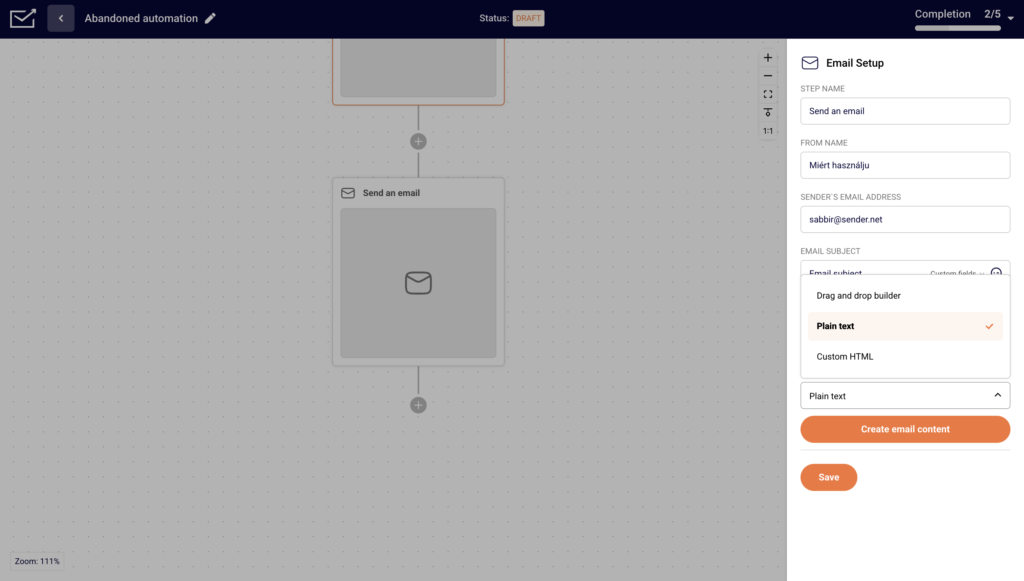
    Yes! To create an HTML campaign in automation add an Email step. 

    After you fill in the relevant information for the Campaign design, open the “Email design” drop-down bar.
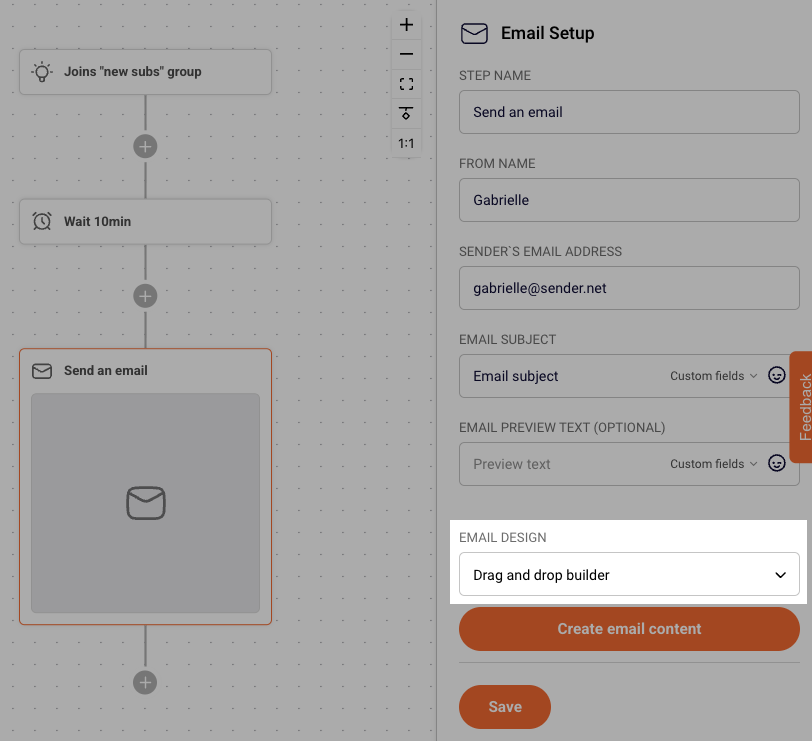
    Choose “Custom HTML” from options and click “Create email content”.
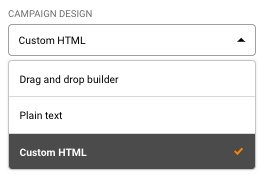
    You can also create a campaign using our Drag and Drop editor and a custom HTML block in it. More on that here.


    If you got stuck on a specific task or can’t find a way to execute a particular job, contact our support team via LiveChat or [email protected] – we’re here to help 24/7.
  • Use plain-text in automation

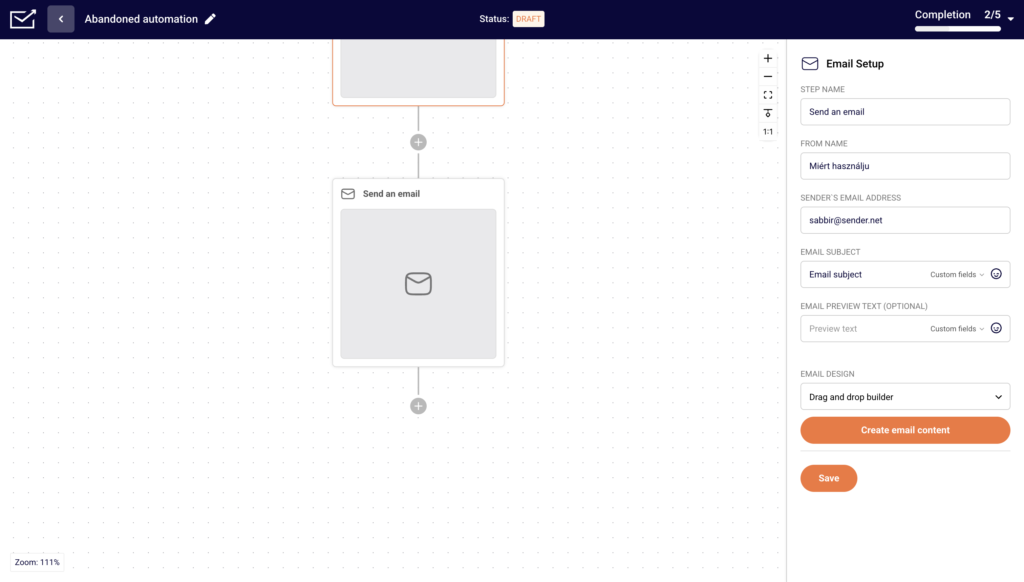
    Yes! To create a plain text campaign in automation add an Email step.

    After you fill in the relevant information, in the Email design, from the drop-down bar choose “Plain text” and click “Create”.

    That’s it!

    If you got stuck on a specific task or can’t find a way to execute a particular job, contact our support team via LiveChat or [email protected] – we’re here to help 24/7.