Learn how to maintain a healthy contact list that improves your email deliverability and sender reputation.
What is Email Deliverability?
Email deliverability is the ability to successfully deliver emails to your subscribers’ inboxes. A well-maintained contact list is essential for ensuring your messages reach their intended recipients rather than being marked as spam or bounced.
Why List Optimization Matters
Protect Your Sender Reputation
Email providers track how recipients interact with your emails. High bounce rates, spam complaints, and low engagement can damage your sender reputation, potentially causing future emails to be filtered or blocked, resulting in inconsistent deliverability.
Improve Engagement Rates
A clean, engaged list leads to better open rates and click-through rates. When you focus on contacts who actually want to hear from you, your campaign performance improves significantly.
Maintain Compliance
Keeping an updated list helps you stay compliant with email marketing regulations like GDPR. This protects both your subscribers’ privacy and your business reputation.
Key Optimization Practices
Remove Invalid Email Addresses
- Hard Bounces – Immediately remove email addresses that hard bounce (permanent delivery failures). These addresses are invalid and will continue to hurt your deliverability if you keep sending to them after they are re-uploaded into your list, as our system automatically unsubscribes them from your list.
- Syntax Errors – Check for and remove email addresses with formatting errors, missing @ symbols, or invalid domain names. These will never successfully receive your emails.
Manage Inactive Subscribers
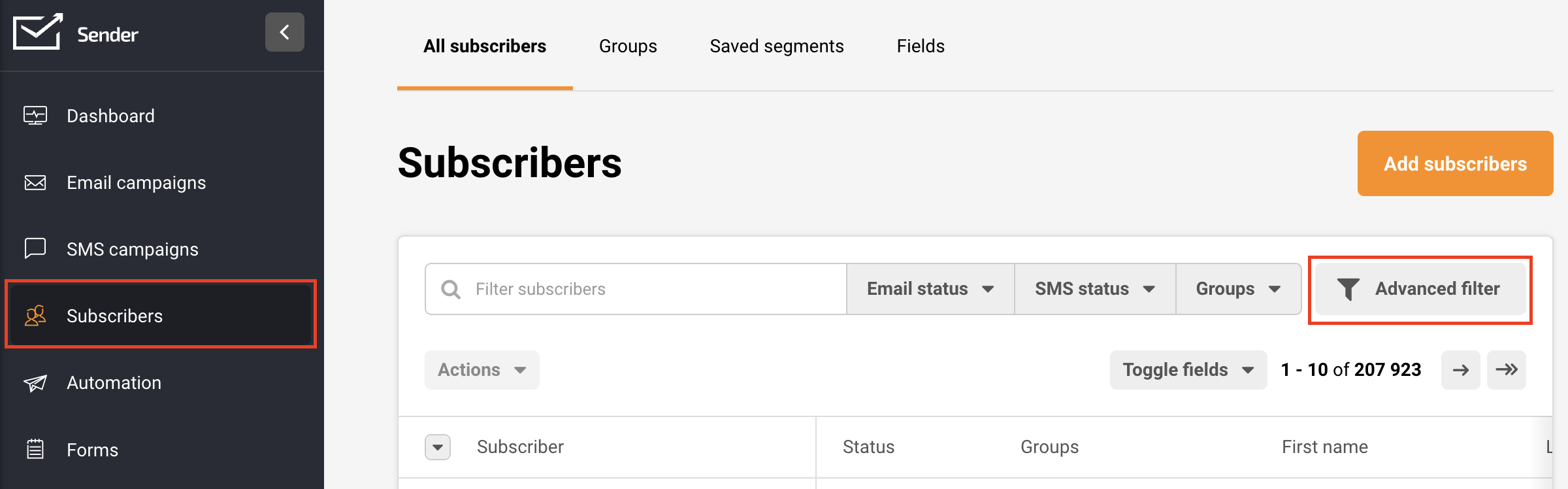
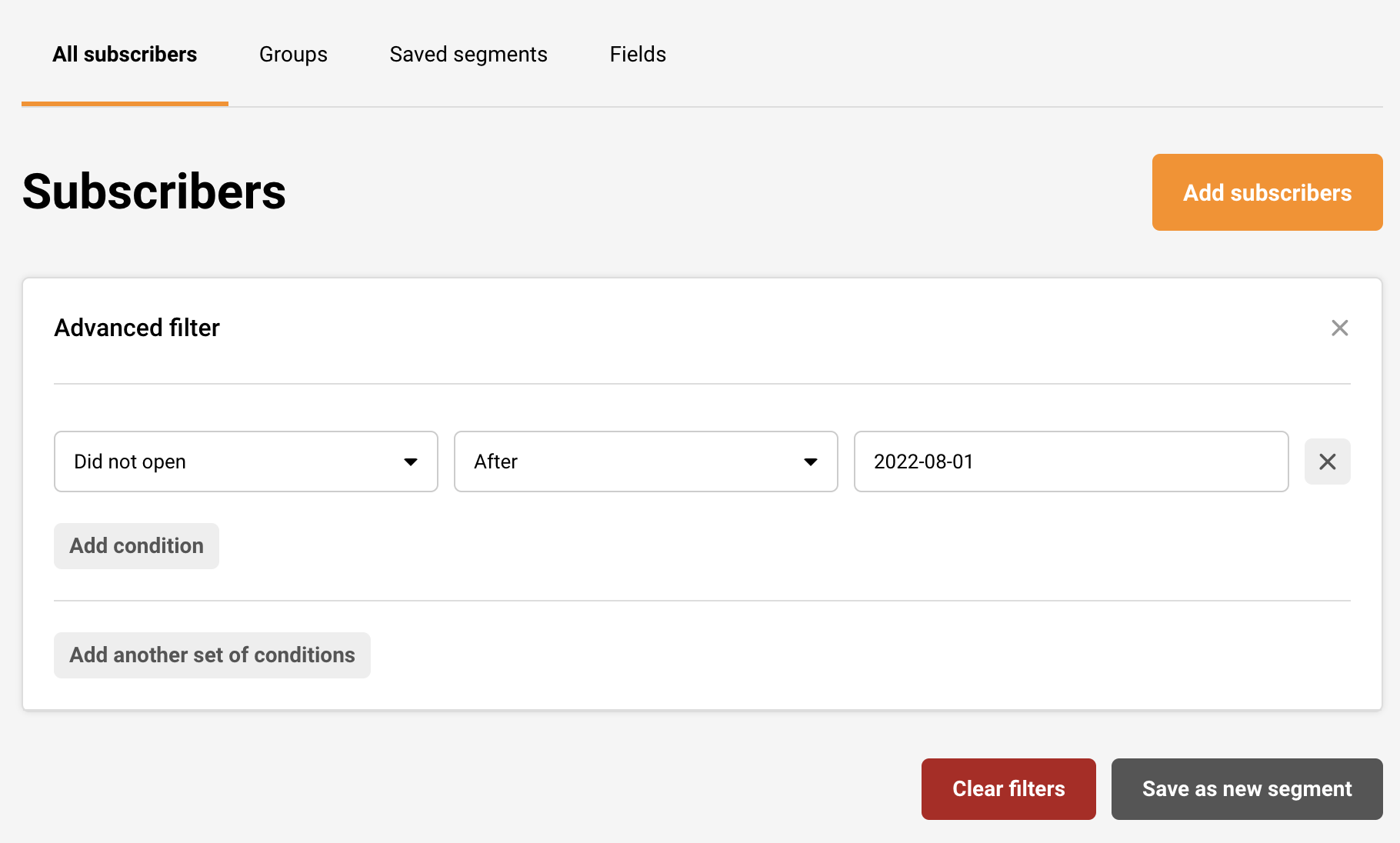
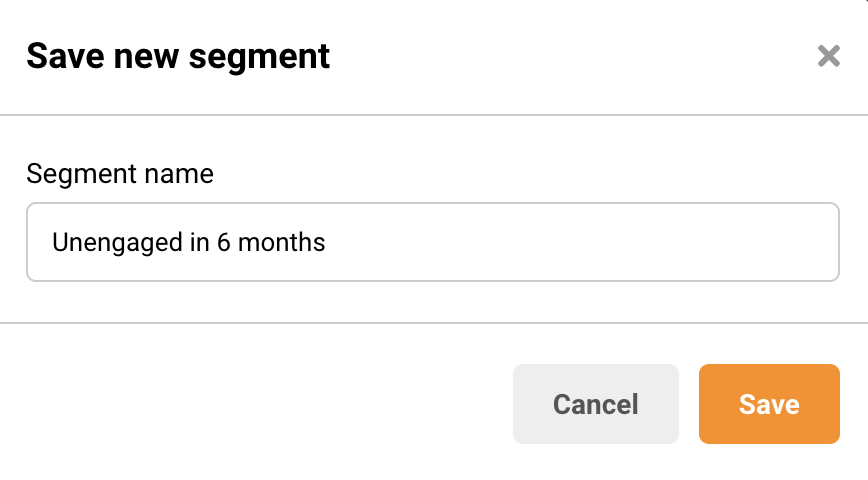
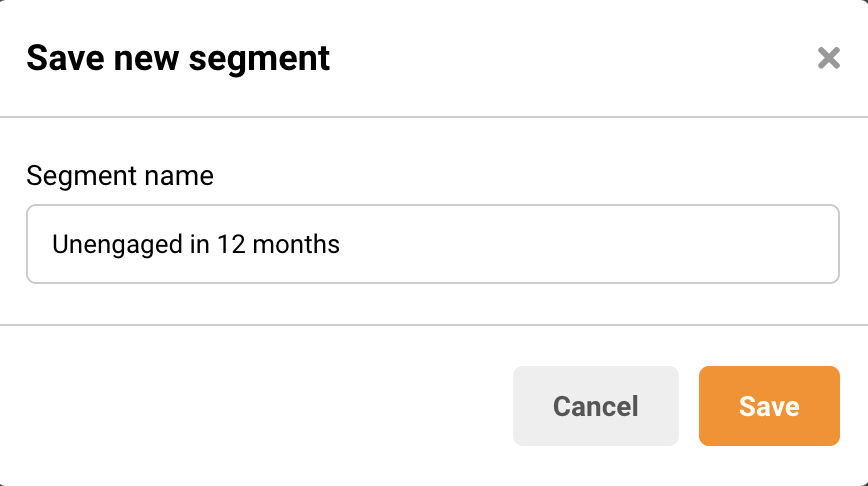
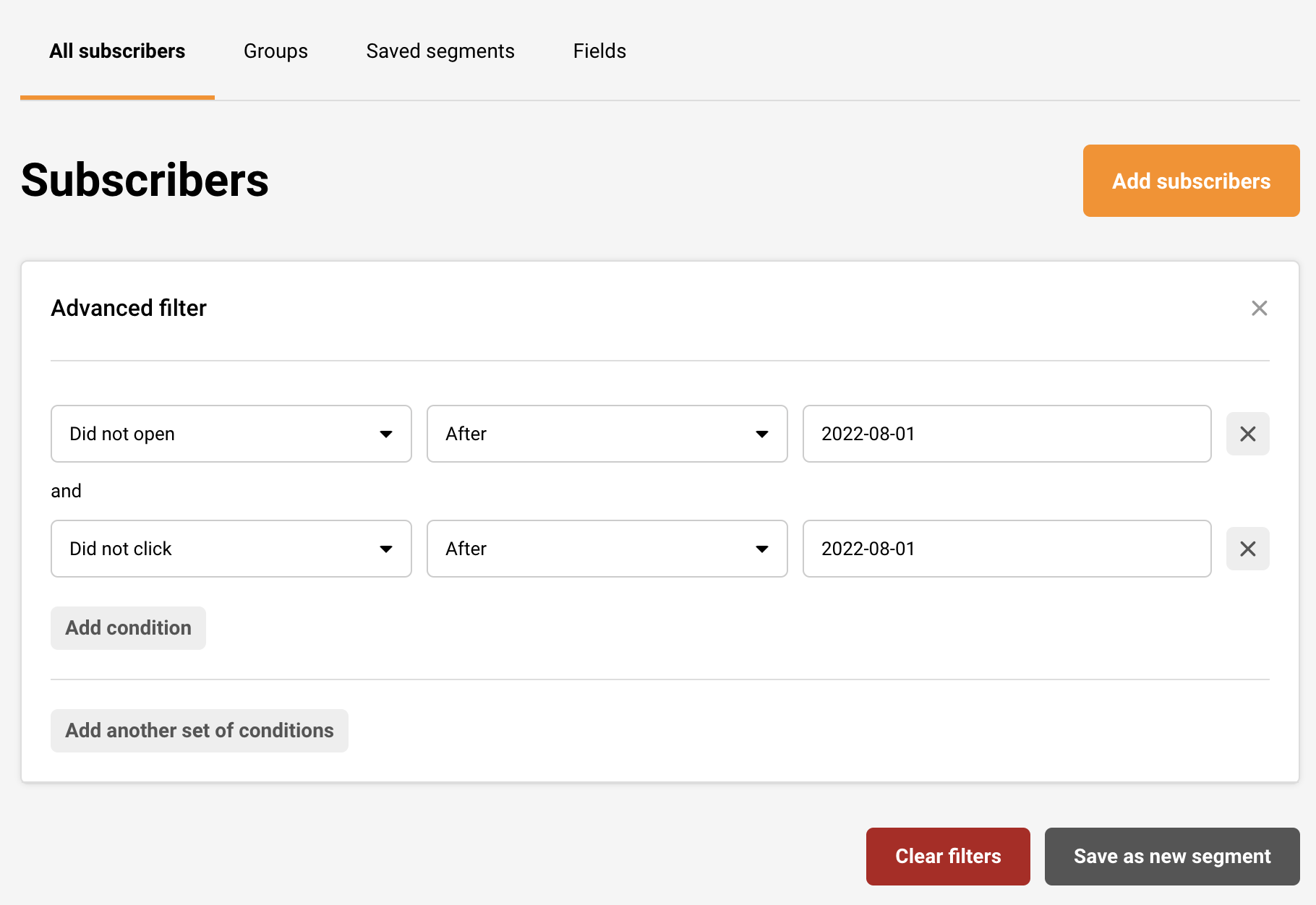
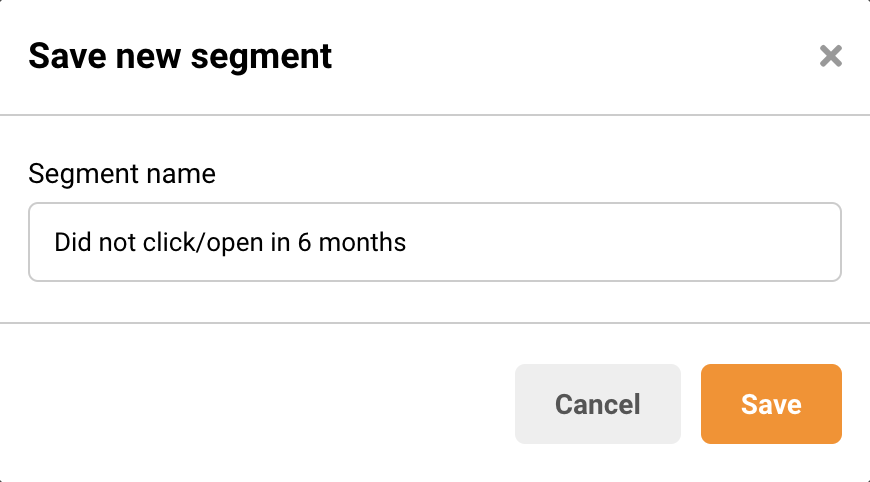
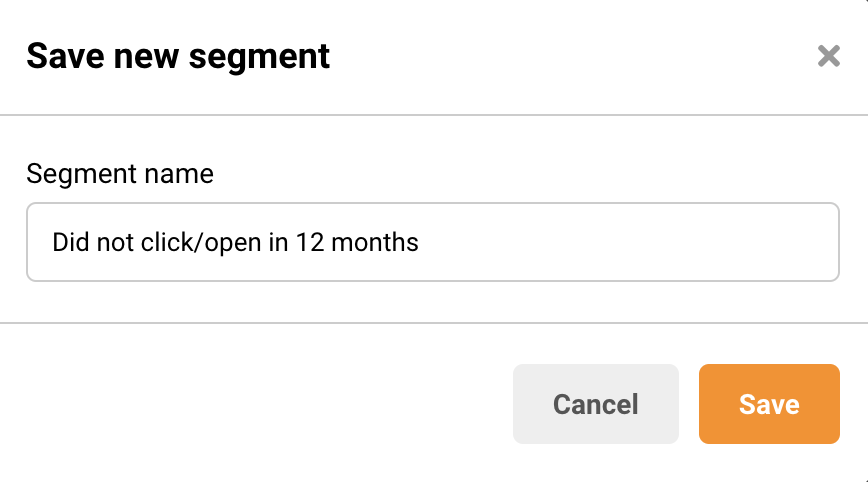
- Identify Inactive Contacts – Use our advanced filters to find subscribers who haven’t opened or clicked your emails in 3-6 months. These contacts drag down your engagement metrics.
- Re-engagement Campaigns – Before removing inactive subscribers, send a re-engagement campaign asking if they still want to hear from you. Give them a clear option to stay subscribed or opt out.
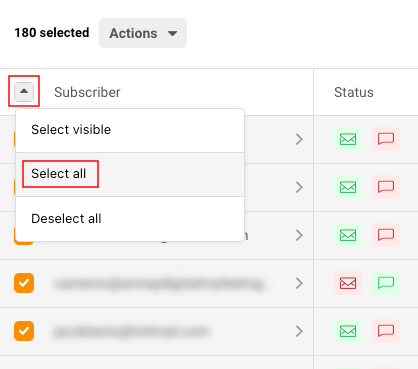
- Remove Unresponsive Contacts – If subscribers don’t respond to re-engagement attempts, remove them from your regular sending list. You can keep them in a separate segment for occasional campaigns if desired.
Validate Email Addresses
- Use Double Opt-In – Implement double opt-in for new subscribers to verify their email addresses are valid and they genuinely want to receive your emails. This prevents fake or mistyped addresses from entering your list.
- Regular Validation – Periodically validate your email list to identify addresses that have become inactive or invalid over time. This helps maintain list quality.
Remove Spam Complaints
- Monitor Complaints – Keep track of subscribers who mark your emails as spam. Remove these contacts immediately as continued sending will severely damage your reputation.
- Understand Why – If you’re getting frequent spam complaints, review your email content, sending frequency, and signup process. Make sure expectations are clear when people subscribe.
Segment by Engagement
- Active Subscribers – Create a segment of highly engaged subscribers who regularly open and click your emails. These contacts should receive your most frequent communications.
- Moderate Engagement – Segment subscribers who engage occasionally. Send them less frequently or with different content to maintain their interest.
- Low Engagement – Keep low-engagement contacts separate and send them minimal, highly targeted content. Monitor for signs of renewed interest or continued disengagement.
Using Sender’s Tools for Optimization
Advanced Filters
Navigate to Subscribers -> Segments and use advanced filters to identify contacts based on:
- Campaign activity (opened, clicked, inactive)
- Subscription status
- Created date
- Custom fields
Regular List Audits
Schedule monthly or quarterly reviews of your contact list:
- Filter for inactive subscribers
- Review bounce rates
- Check for engagement patterns
- Remove or re-segment as needed
Optimization Schedule
Weekly or Bi-Weekly
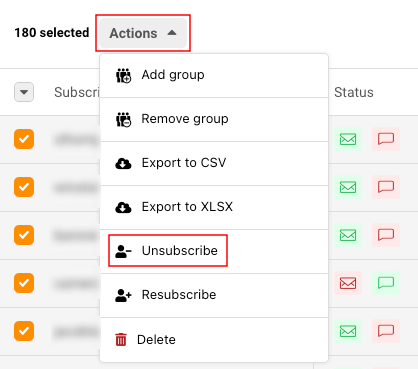
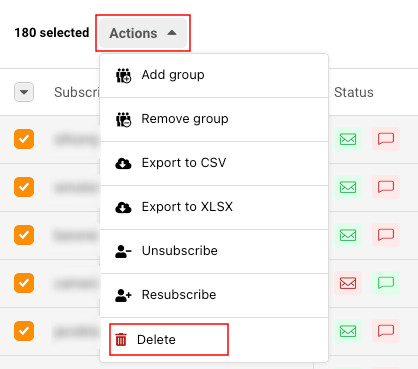
- Remove hard bounces from your list completely
- Process unsubscribe requests if any come through
- Monitor spam complaints
Monthly
- Review engagement metrics
- Identify inactive subscribers
- Clean up obvious errors
Quarterly
- Run re-engagement campaigns
- Remove unresponsive contacts
- Validate overall list health
- Update segmentation strategy
Warning Signs Your List Needs Optimization
- Open rates consistently below 30-35%
- High bounce rates (above 5%)
- Increasing spam complaints
- Declining engagement over time
- Large number of unsubscribes after sends
Best Practices
Set Clear Expectations
Tell subscribers what they’ll receive and how often during the signup process. This reduces future complaints and maintains engagement.
Monitor Metrics Regularly
Keep an eye on your deliverability metrics including bounce rates, open rates, and spam complaints. Early detection of issues allows for quick corrections.
Quality Over Quantity
A smaller list of engaged subscribers is far more valuable than a large list of inactive contacts. Focus on maintaining quality rather than just growing numbers.
Tips for Long-Term Success
- Never purchase email lists – they damage deliverability and violate our Terms of Service, which will lead to your account’s suspension as well
- Use consistent “from” names and email addresses
- Maintain a regular but not excessive sending schedule
- Personalize content to increase relevance and engagement
- Test your emails before sending to catch potential issues
That’s it!
If you got stuck on a specific task or can’t find a way to execute a particular job, contact our support team via LiveChat or [email protected] – we’re here to help 24/7.