TL;DR: Transactional emails are automated messages sent to one person after they do something, such as an order confirmation or password reset. In Sender, they have their own section with Metrics, Logs, Templates and Setup instructions, and you send them through the API or SMTP.
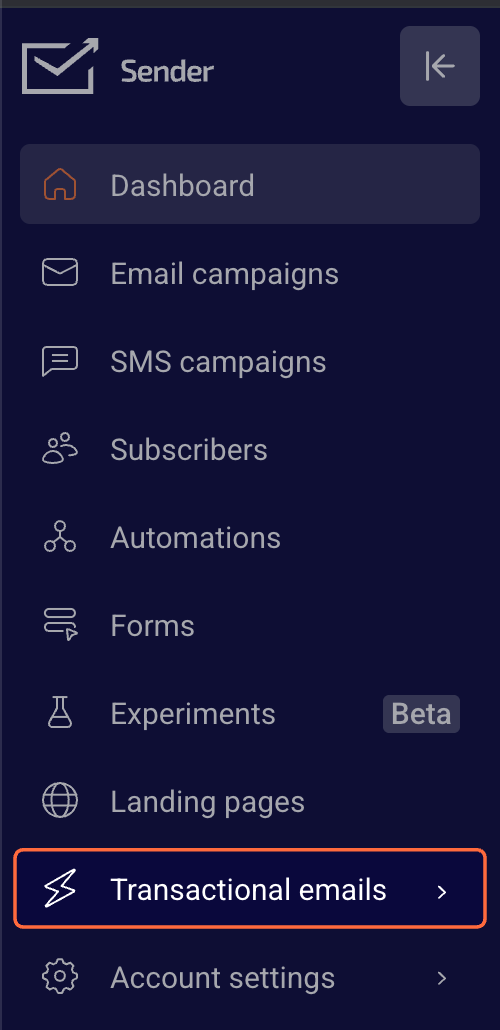
Where to find it: Transactional emails in the left sidebar
Transactional vs. marketing emails
| Transactional | Marketing | |
| Triggered by | A subscriber’s action or a system event | You, on a schedule |
| Sent to | One person | Many subscribers |
| Examples | Order confirmations, password resets, shipping updates | Newsletters, promotions |
In Sender, transactional emails are separate from campaigns and automations. See transactional vs. campaign emails.
Find the transactional emails section
Click Transactional emails in the left sidebar. It has four pages in its inner sidebar.
| Page | What it shows |
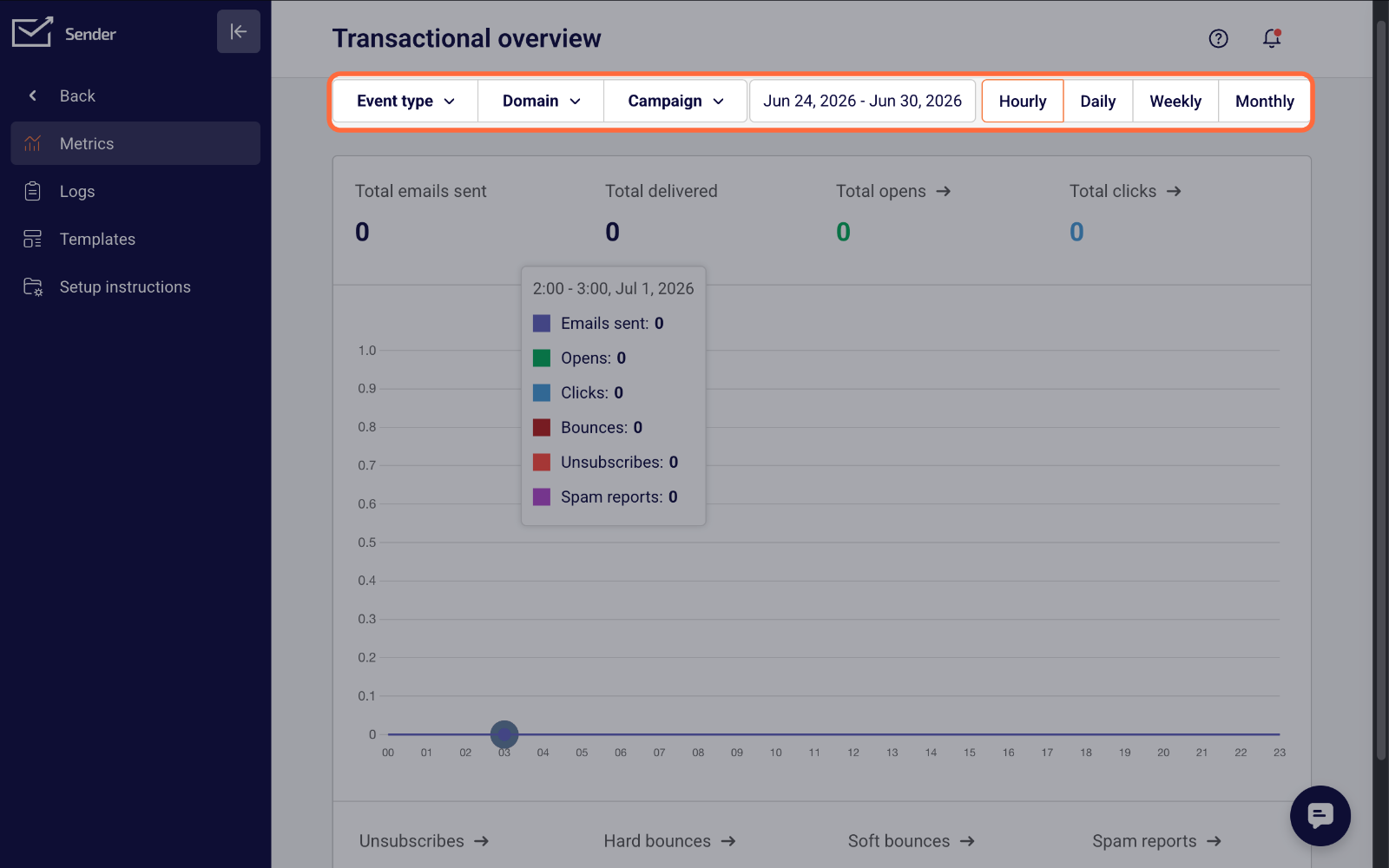
| Metrics (Transactional overview) | Sent, delivered, opens, clicks, unsubscribes, bounces and spam complaints, filterable by event type, domain and campaign |
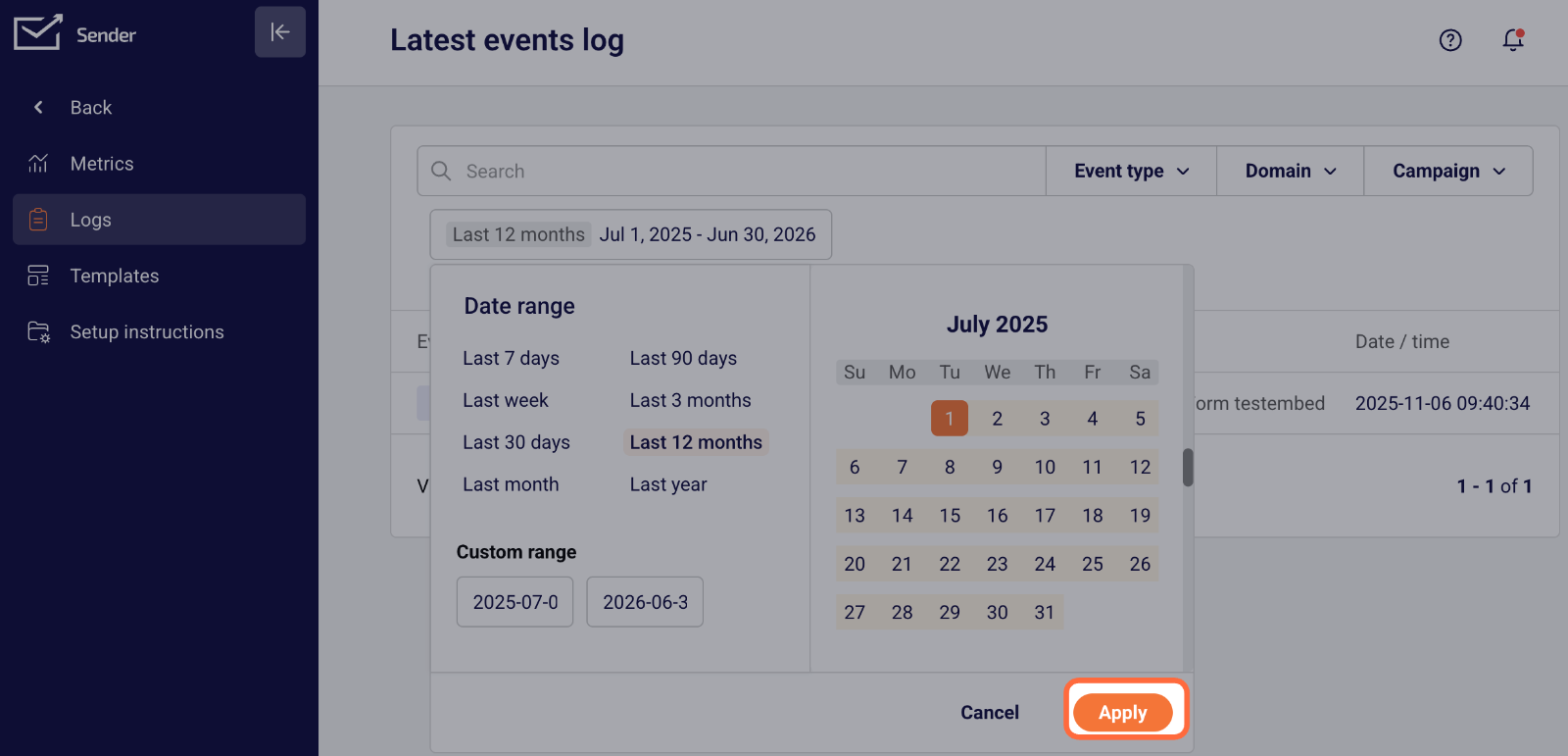
| Logs | The Latest events log: event, recipient, subject, template and date |
| Templates | Your saved templates, with a New email button |
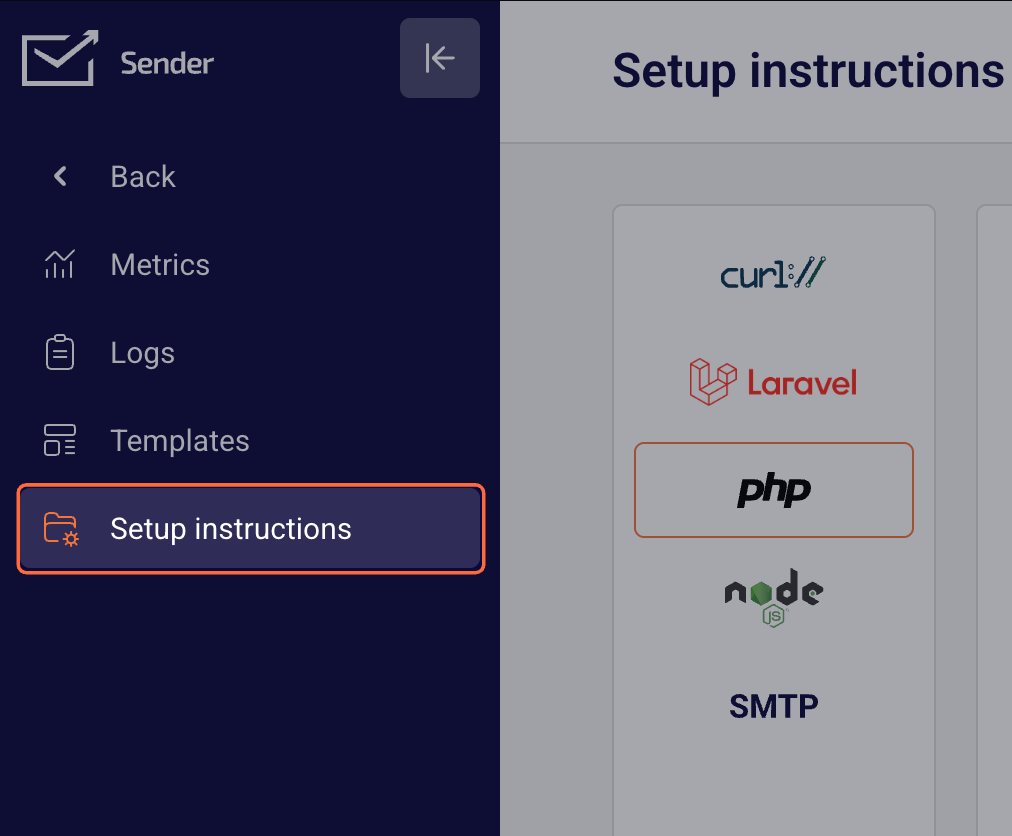
| Setup instructions | Code samples for sending |
Choose how to send
Setup instructions has examples for curl, Laravel, PHP, Node.js and SMTP.
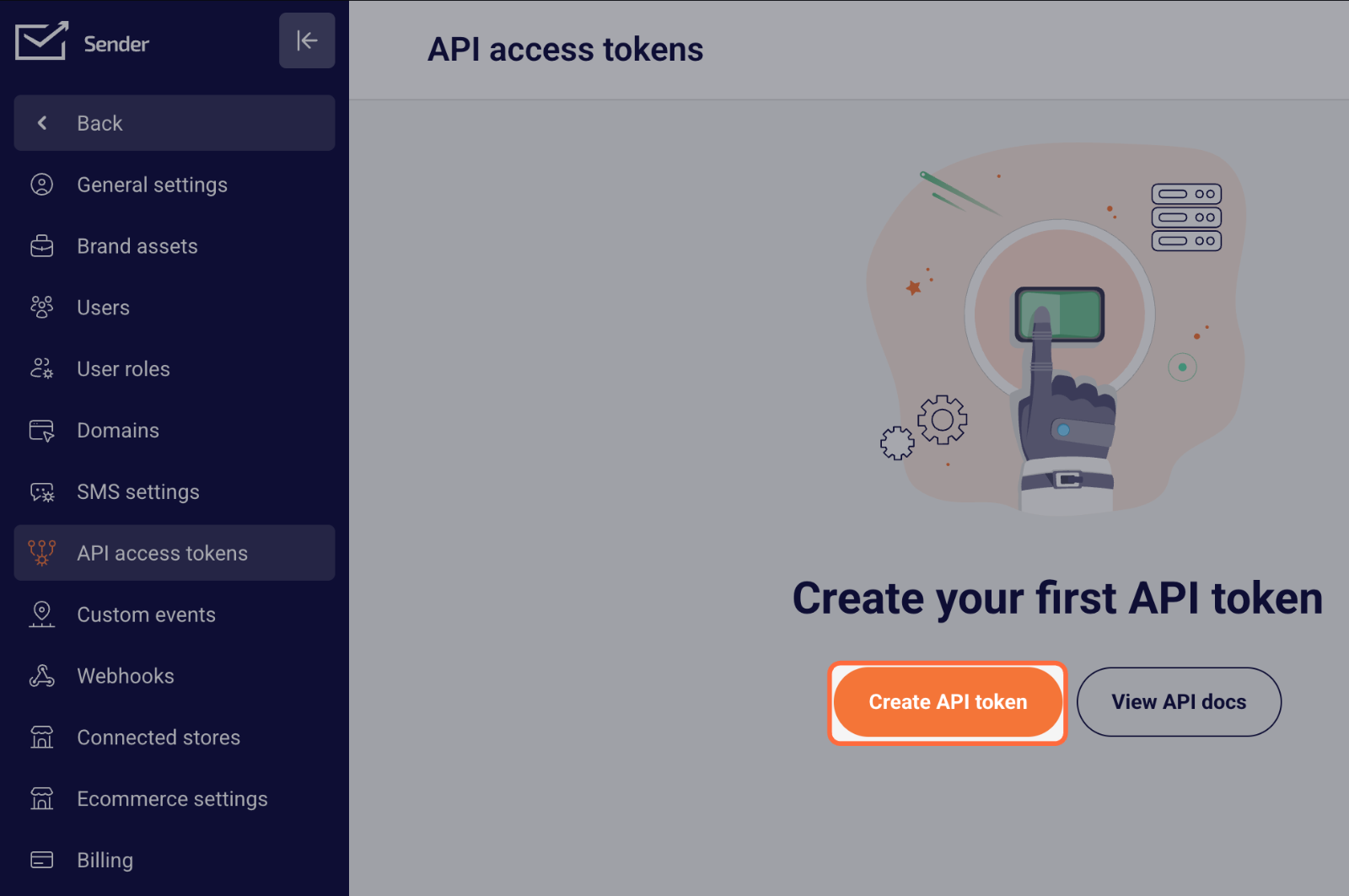
- API: create an API access token in Account settings → API access tokens, then use it in the Authorization header.
- SMTP: server smtp.sender.net, port 25, 2525 or 587, PLAIN or LOGIN authentication over TLS. Click Add SMTP user to create credentials.
Verify your sending domain first for better deliverability. See SPF, DKIM and DMARC setup.
Fix common setup problems
- The section is empty: you haven’t sent any transactional emails yet. Send one using the setup instructions.
- API access token not working: check it was copied in full and still exists in Account settings → API access tokens. Create a new one if needed.
- SMTP connection fails: check the server, port and that you created an SMTP user.
- Emails missing from Logs: wait a moment, refresh and check the date filter.
Transactional email FAQs
Yes. Use SMTP instead. Go to Transactional emails → Setup instructions → SMTP and click Add SMTP user.
Yes. Go to Transactional emails → Templates and click New email. You can then reference the template when sending.
On the API access tokens page in Account settings, click View API docs.
What to set up next
Follow the full guide in setting up transactional emails, and personalize them with Liquid variables.