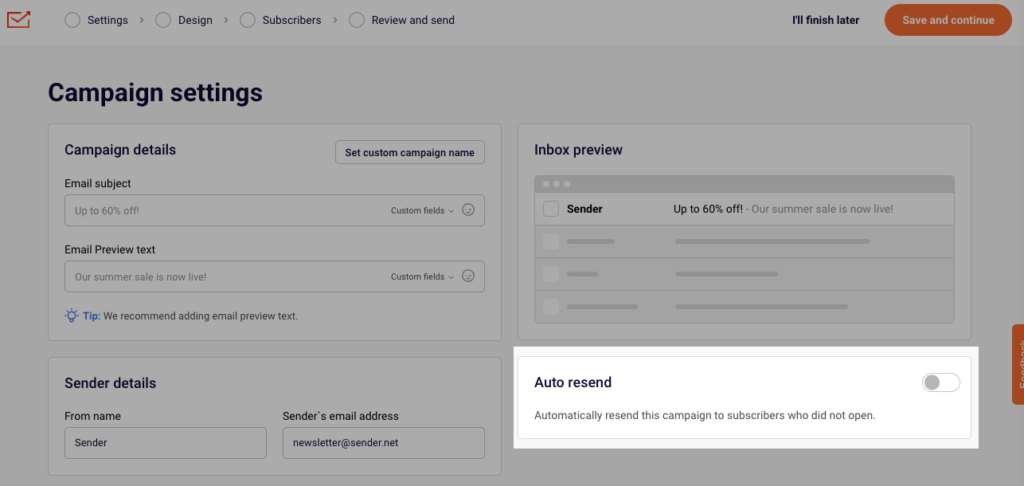
The “Auto resend” option is a great way to reach out to those subscribers that did not open your initial campaign. You can enable the “Auto resend” option in the first step of creating a campaign.
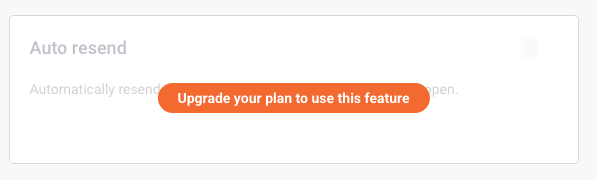
Please note that the “Auto resend” option is available for paid plans only. If you see the following message, note that your account is on the FreeForever plan:
Auto-resend can be enabled on the first step of email campaign creation process.
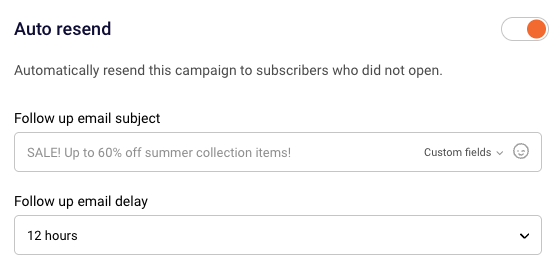
Once you enable it, you have to set the Email subject and the delay for the follow-up email.
If you still struggle with domain verification – contact your support team via LiveChat or [email protected] – we’ll help you with verification. We’re ready to help 24/7.
Leave a Reply