Editing user’s email address is a very easy process. Simply go to “Settings”, click on “Users,” and “Edit” next to the user that you want to change.
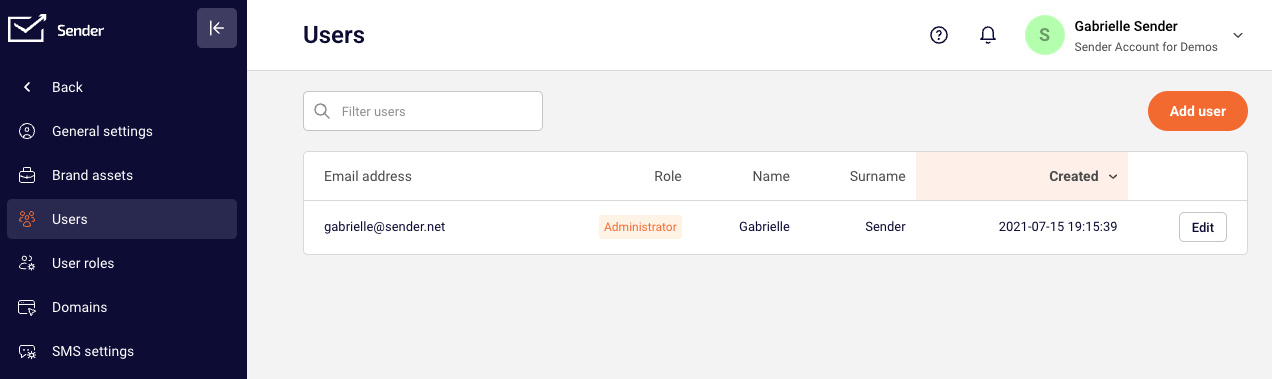
After that, click the email address field and enter the new email address for that user.
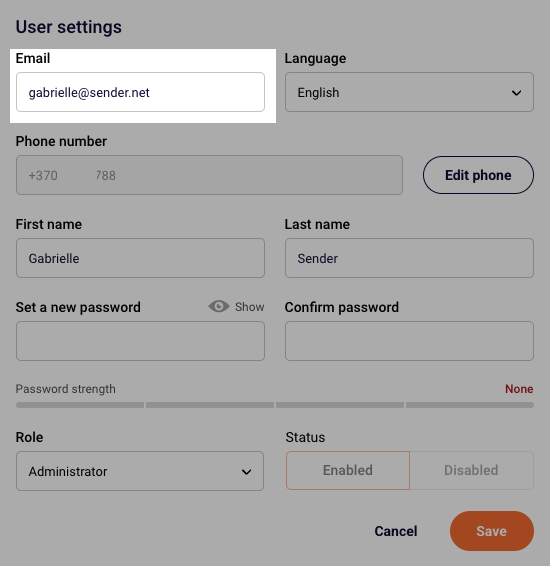
Once you are happy with the email address, make sure to save the changes.
If you are stuck on a specific task or can’t find a way to execute a particular job, contact our support team via LiveChat or [email protected] – we’re here to help 24/7.
Leave a Reply