Author: admin

  • Attach files to emails

    It’s not possible to attach files to any of the email campaigns since attachments on any mass emails cause massive deliverability issues. If you want to share a file with your subscribers, simply upload it to a cloud service like Dropbox or Google Drive and generate a shareable link. Then include the link in your email campaign.

    That’s it!

    If you are stuck on a specific task or can’t find a way to execute a particular job, contact our support team via LiveChat or [email protected] – we’re here to help 24/7.
  • Remove Sender branding

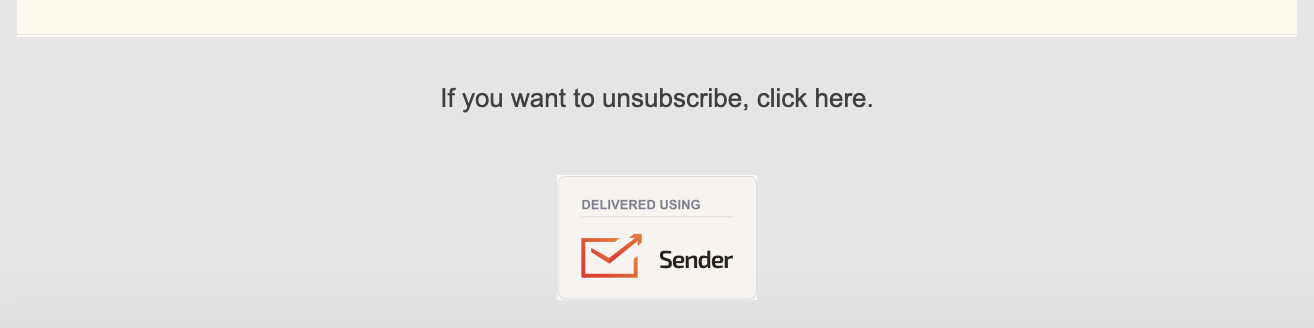
    We add our branding to the bottom of subscription forms and campaigns if you use our platform with the Free Forever plan. They get removed once you choose to move to any of our paid plans or to the prepaid credits option.


    If you got stuck on a specific task or can’t find a way to execute a particular job, contact our support team via LiveChat or [email protected] – we’re here to help 24/7.
  • Account verification timeline

    Our Quality Assurance team carefully reviews all accounts to ensure compliance with our Terms of Service and anti-spam policies. This process helps prevent accounts from engaging in illegal activities or using unfair email marketing practices, such as sending campaigns to harvested or purchased lists. By doing this, we maintain high deliverability rates and safeguard Sender.net’s strong IP reputation.

    Even established accounts may undergo review if certain keywords, phrases, or links are flagged. While this can cause temporary delays, it’s an essential step to ensure the integrity and security of the platform for all users.

    To get verified, you need to do a few steps:

    • Ensure your content and your subscriber list fit our Terms of Service and anti-SPAM policy.
    • Add and verify your domain.
    • Import your subscribers.
    • Create your first campaign.

    It might take up to an hour for the QA team to review your account from the moment it enters the review status.  Please be aware of our terms of service and anti-spam policy. If your account does not comply with our policies – it will most likely get suspended.


    If you got stuck on a specific task or can’t find a way to execute a particular job, contact our support team via LiveChat or [email protected] – we’re here to help 24/7.
  • Personalize with custom fields

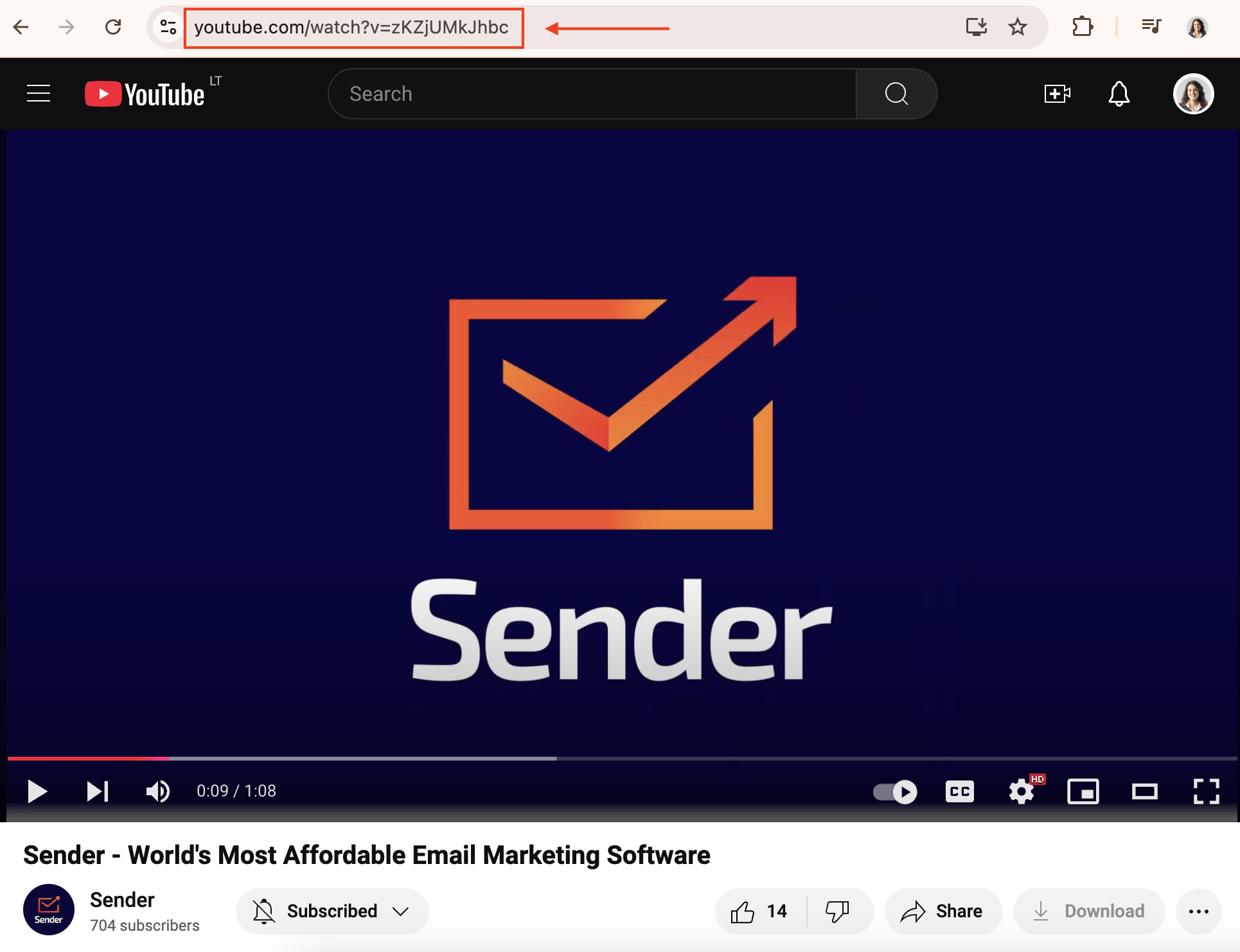
    To make your email campaigns a lot more personal, you can use any of your collected subscribers’ custom fields: first name, surname, order number, location, shoe size, preferences, etc., in the email subject line, email preview text and the campaign body itself.

    Here is how the dynamic text looks like:

    Here is how to insert the dynamic text:

    That’s it!

    If you got stuck on a specific task or can’t find a way to execute a particular job, contact our support team via LiveChat or [email protected] – we’re here to help 24/7.

  • Fix missing unsubscribe link

    This warning means that you have most likely inserted a code without the unsubscribe link or unsubscribe link is incorrect. All the templates must have a working unsubscribe link. Please insert the following HTML code line into the template:

    {{unsubscribe_text}}

    That’s it!

    If you are stuck on a specific task or can’t find a way to execute a particular job, contact our support team via LiveChat or [email protected] – we’re here to help 24/7.