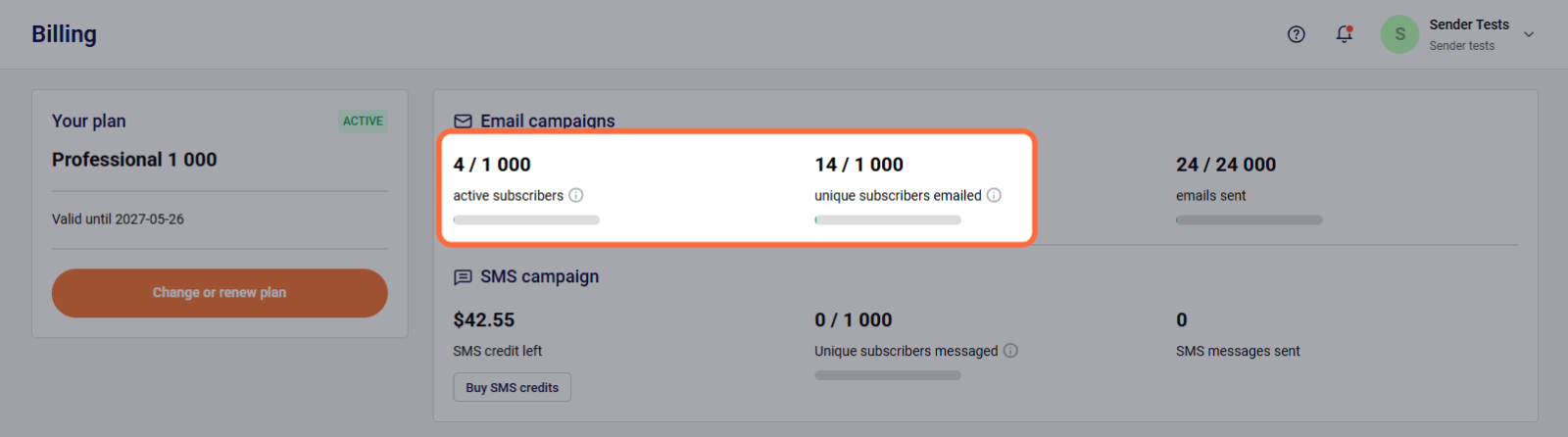
TL;DR: You can pay a Sender pro forma invoice by bank wire transfer. Pick a plan in Billing, then download the invoice that appears there. It lists the bank details. Pay within 7 days of placing the order.
Where to find it: Account settings → Billing
Pay by bank transfer
- Choose a plan. Go to Billing and select the plan you need.
- Go back to Billing. A pro forma invoice for that plan now appears there.
- Download the invoice. It contains the bank details for the transfer.
- Make the transfer using those details, within 7 days.
Your plan activates once the payment reaches Sender.
Good to know: Bank transfers can take a few business days, especially between countries. Pay early so the plan is active when you need it. Questions about a transfer go to [email protected].
Avoid payment delays
- Add the invoice number as the payment reference, so the transfer can be matched to your account.
- Send the exact amount in the invoice currency.
- Cover the bank fees. If your bank deducts fees from the amount, the payment arrives short. Choose the option where the sender pays all fees.
- Use the company on the invoice as the payer where you can.
Wire transfer FAQs
It’s a payment request issued before you pay. After the payment arrives, you get a final invoice for your accounts.
The order may expire. Place it again in Billing to get a new pro forma invoice.
Wire transfer suits yearly plans and credits best, because each payment is made by hand. For automatic monthly renewals, use a card.
What to set up next
For card and PayPal payments, and for downloading final invoices, see payment methods and invoices. If your company needs its VAT number on the invoice, add your VAT identification number first. Tax rules are covered in taxes and VAT.