Category: SMS setup and compliance

  • Purchase SMS credits

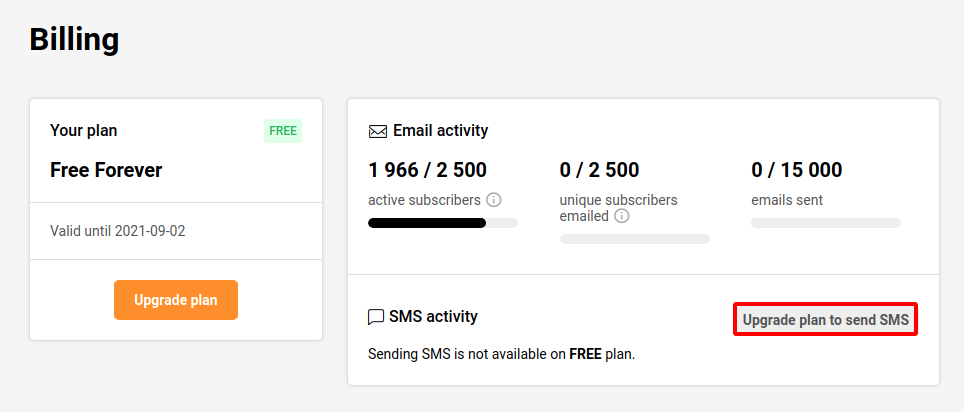
    To buy SMS credits, you need a standard or a professional plan. To check or renew your current plan, do the following steps: 

    1. Head to app.sender.net and log into your account
    2. Click on ‘Settings’ and select the ‘Billing’ section at the top
    3. Click ‘Upgrade plan’ to send SMS

    Once the purchase of a standard or a professional plan is made you unlock the ability to buy SMS credits.
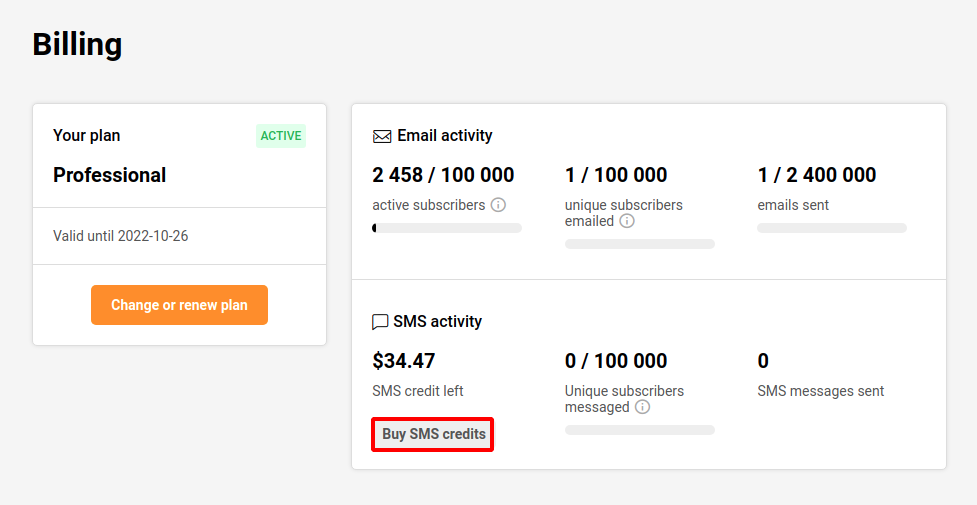
    When you subscribe to a Professional plan, you will also receive SMS credits. It’s important to keep in mind that the SMS credits provided with the Professional plan expire after one month. More information can be found by clicking here.

    The price of the SMS depends on the destination country. The pricing can be found here.

    Please note: our SMS pricing is character-based. Once you exceed the 160-character limit, the message is billed as two SMS.


    If you got stuck on a specific task or can’t find a way to execute a particular job, contact our support team via LiveChat or [email protected] – we’re here to help 24/7.
  • Manage SMS sending numbers

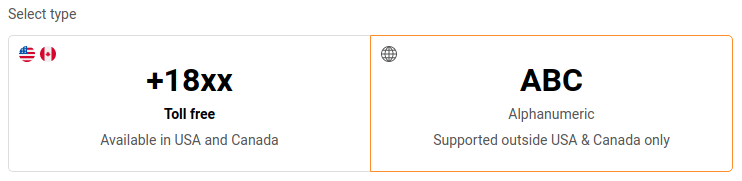
    There are two ways to add sending numbers – Toll-free (available in USA and Canada) and Alphanumeric (not supported in USA and Canada).

    Toll-free numbers

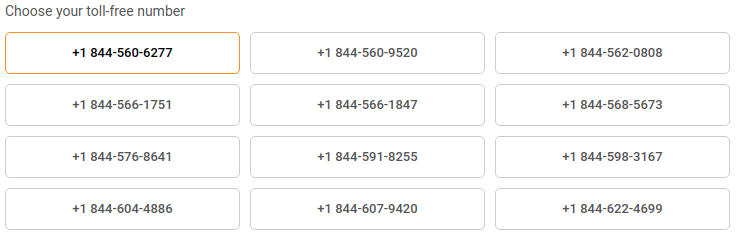
    They can be chosen from randomly generated numbers. If you need another number, refresh the page, and the system will generate new ones. There is no option to select a specific number because the system generates them automatically.

    Please note that toll-free numbers must be verified. More on Toll-Free number verification here.

    Alphanumeric

    It is possible to add up to 11 symbols for Alphanumeric numbers. It should be associated with the company name. Once the Alphanumeric number is added, our QA team reviews it.

    No multimedia support.
    Alphanumeric Sender IDs, as well as toll-free numbers are allowed for text only, no MMS or images can be sent.

    No two-way or keywords. Recipients cannot respond to messages from this number type.

    That’s it!

    If you got stuck on a specific task or can’t find a way to execute a particular job, contact our support team via LiveChat or [email protected] – we’re here to help 24/7.
  • Customize SMS opt-out text

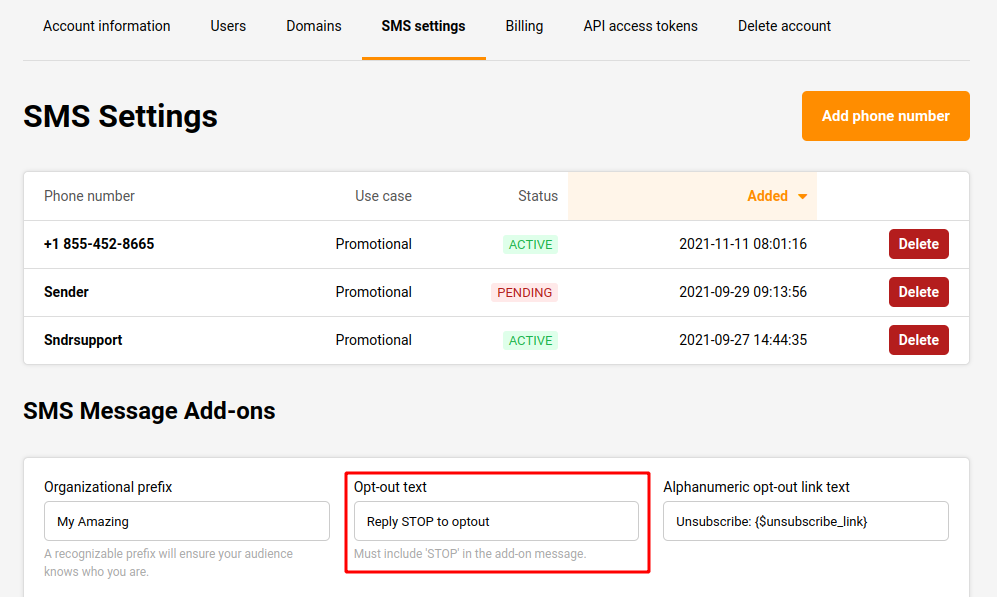
    Yes. There is an “Opt-Out” feature in the SMS campaign with customizable Opt-Out text. This feature can be found under the “SMS Message Add-ons” section in the SMS settings.

    Go to “Settings” on the left sidebar under the account, then select the “SMS settings” section. The “Opt-out text” box can be seen at the bottom of the page. From here the “Opt-Out” text can be customized.

    That’s it!

    If you got stuck on a specific task or can’t find a way to execute a particular job, contact our support team via LiveChat or [email protected] – we’re here to help 24/7.