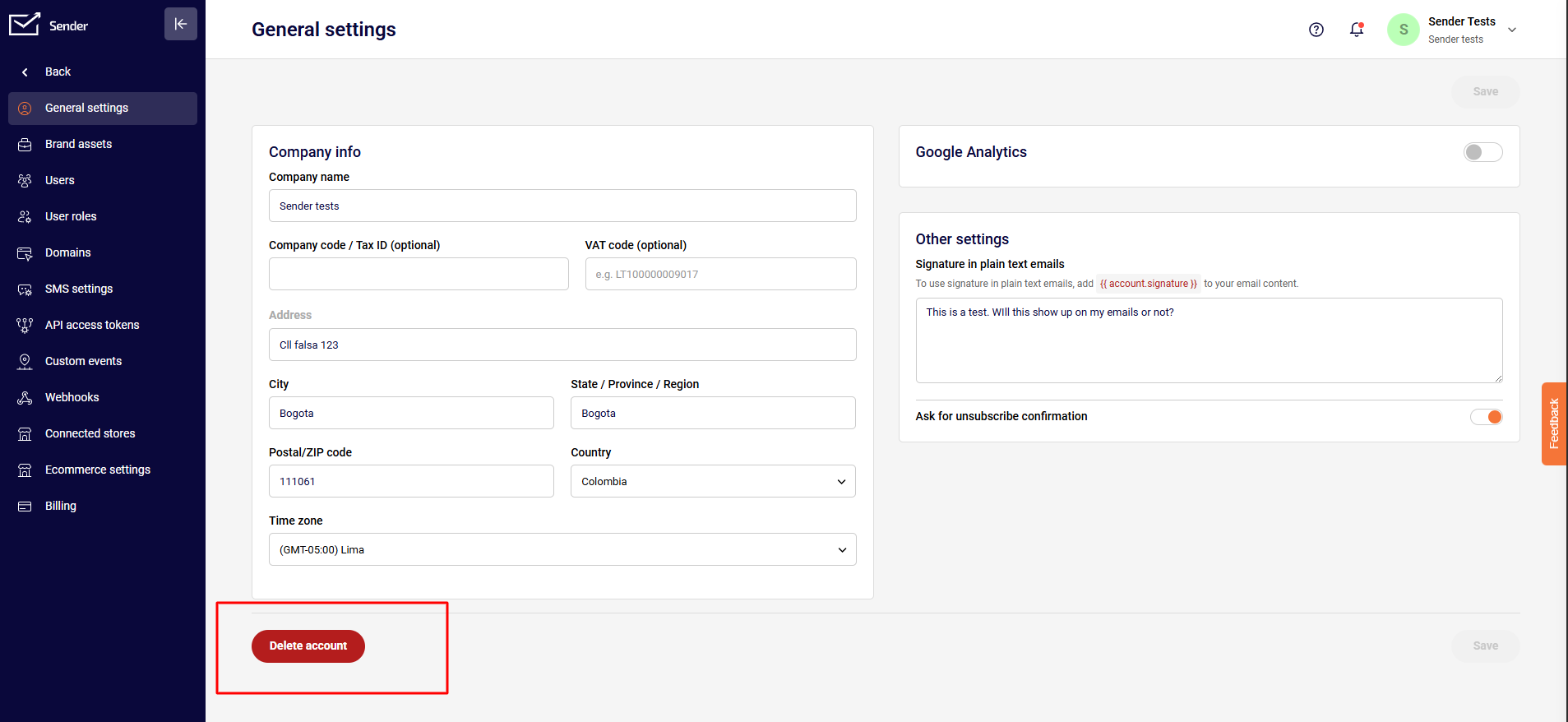
In order to delete the account, click on the “Account settings” section, then tap on the red “Delete account” button at the bottom and follow the instructions.
That’s it!
If you got stuck on a specific task or can’t find a way to execute a particular job, contact our support team via LiveChat or [email protected] – we’re here to help 24/7.
Leave a Reply