Authentication is required when activating the Sender.net plugin or validating API requests. In both cases, you’ll need to include an API access token.
To generate an API access token, go to Account settings > API access tokens or click here.
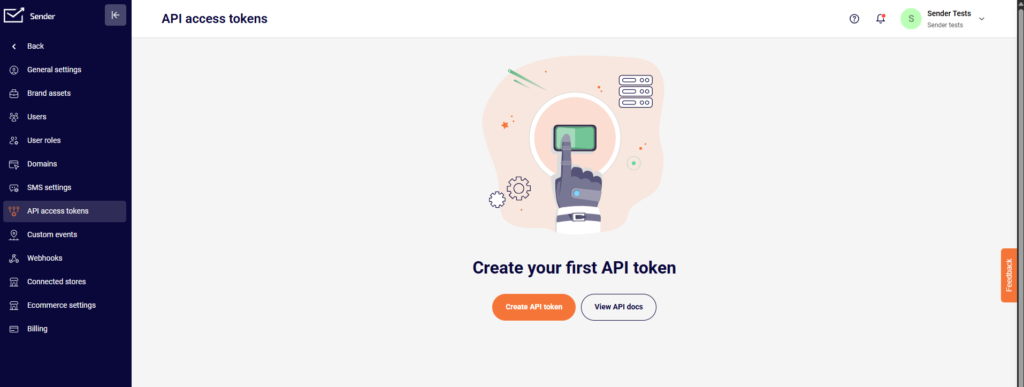
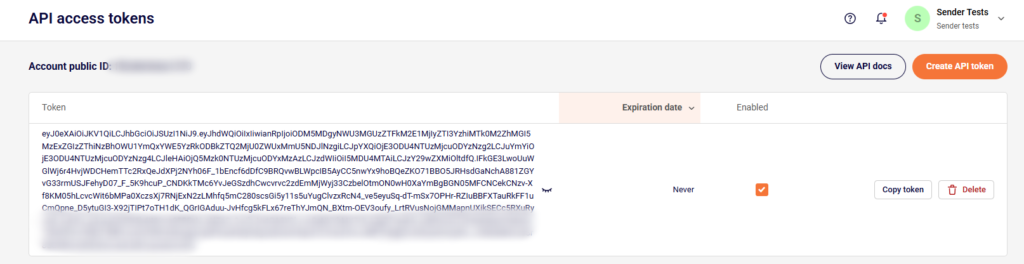
Continue by clicking “Create API token” and picking the validation period “Forever.” After that, a unique access token is generated. It authenticates your API requests and is used for plugin activation.
If you got stuck on a specific task or can’t find a way to execute a particular job, contact our support team via LiveChat or [email protected] – we’re here to help 24/7.
Leave a Reply