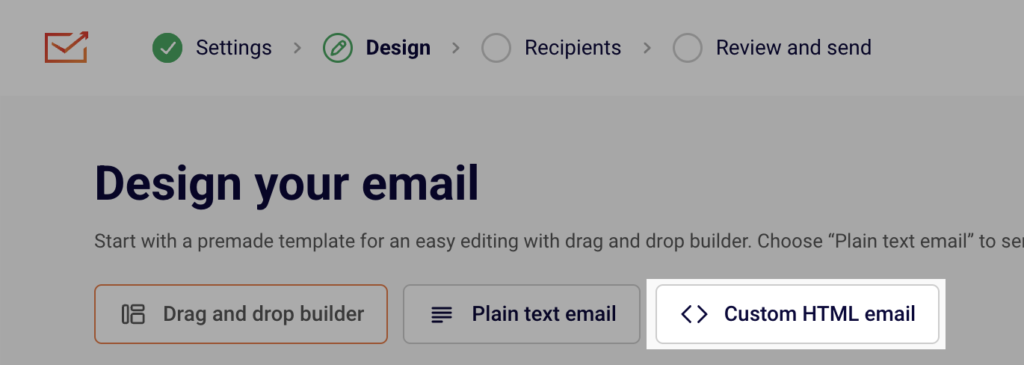
When you are creating an email campaign, you have an option to create a custom HTML one. Once you fill out the campaign details, you can choose between Drag and drop builder, Plain text email and Custom HTML email.
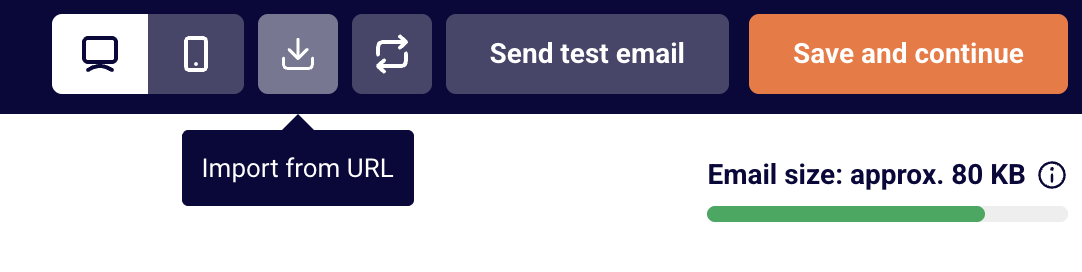
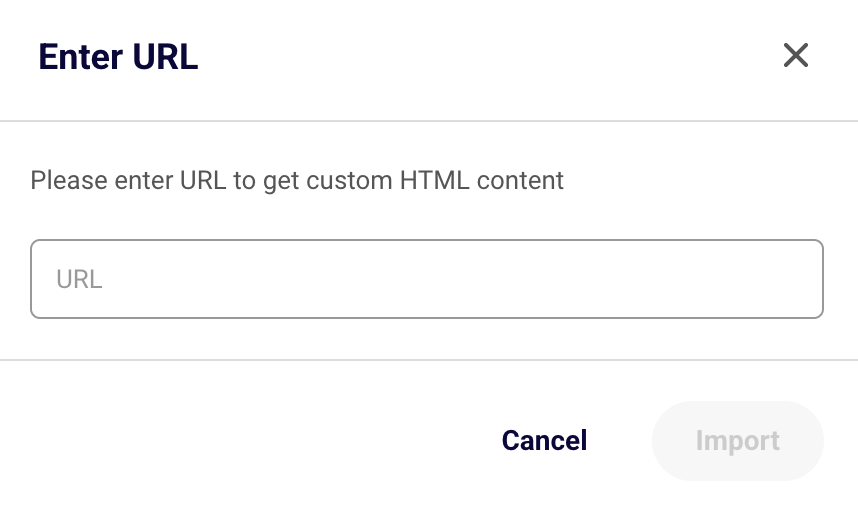
When the HTML editor loads, the code of your HTML-coded newsletters will need to be entered here. The HTML newsletters can be imported via URL link – to do that, click on the button import icon “Import from URL” at the top and enter the URL.
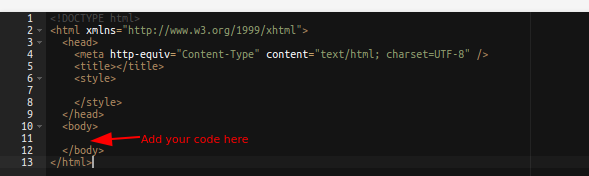
It is crucial to maintain the standard HTML structure. Otherwise, after sending the campaign, the report will show 0s in the report. This structure must be followed:
If you got stuck on a specific task or can’t find a way to execute a particular job, contact our support team via LiveChat or [email protected] – we’re here to help 24/7.
Leave a Reply