TL;DR: To embed a Sender form on Hostinger, publish the form in Sender and copy its JavaScript snippet and HTML snippet. Paste both into one Embed code element on your Hostinger page, JavaScript first. Then publish the page and send a test signup.
Where to find it: Forms → your form → Publishing settings
Before you start
You need two things:
- An embedded form in Sender. Popups don’t need this guide. They only need the JavaScript snippet in your site’s head. See creating signup forms.
- A published form. A form with the DRAFT badge won’t load on your site. Open Publishing settings and click Publish first.
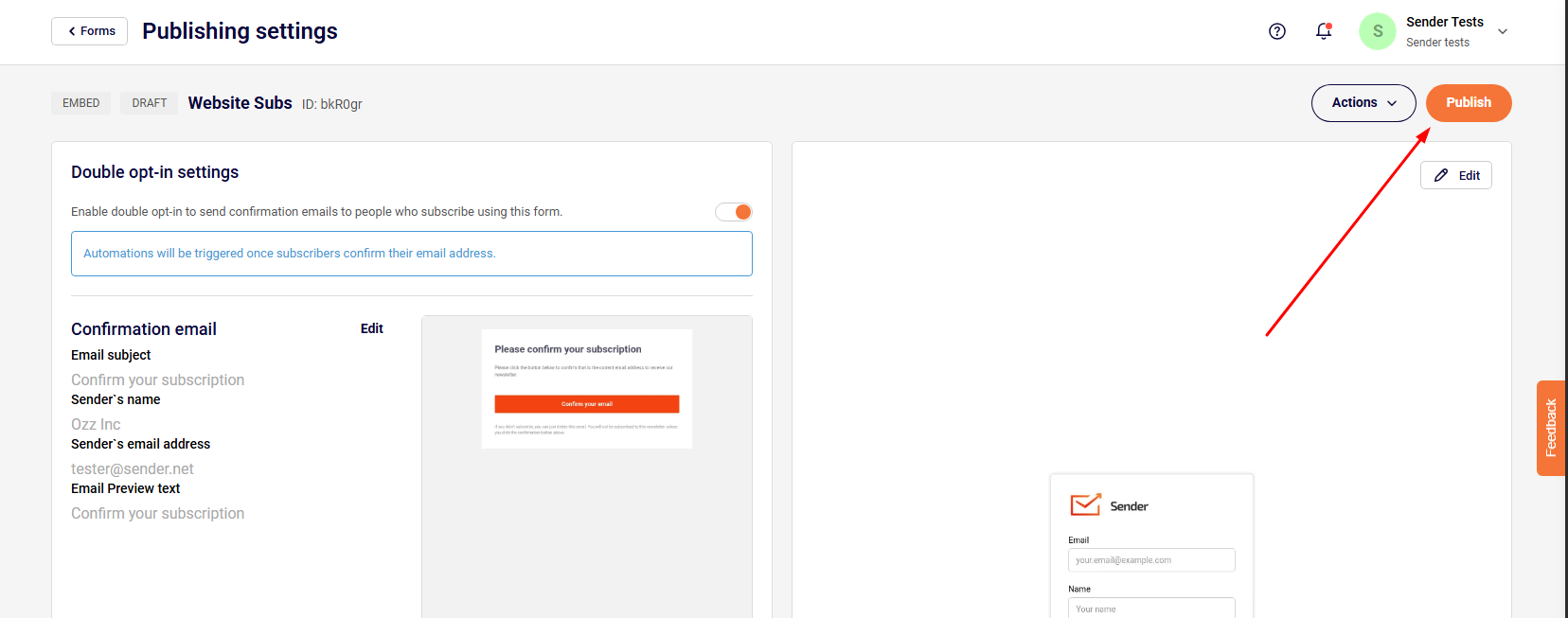
Step 1: Copy the embed code in Sender
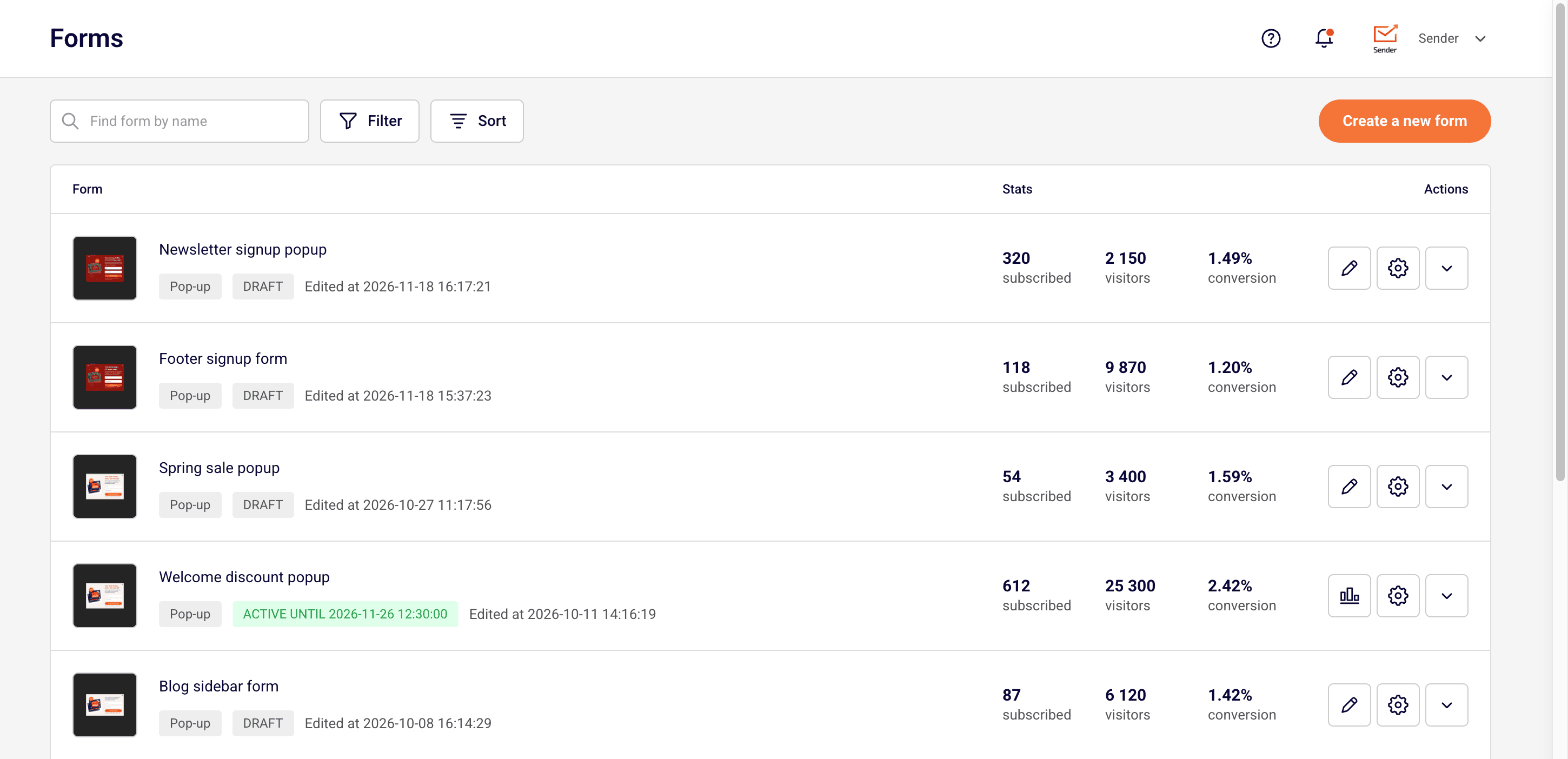
- Go to Forms and click the settings icon next to your form.
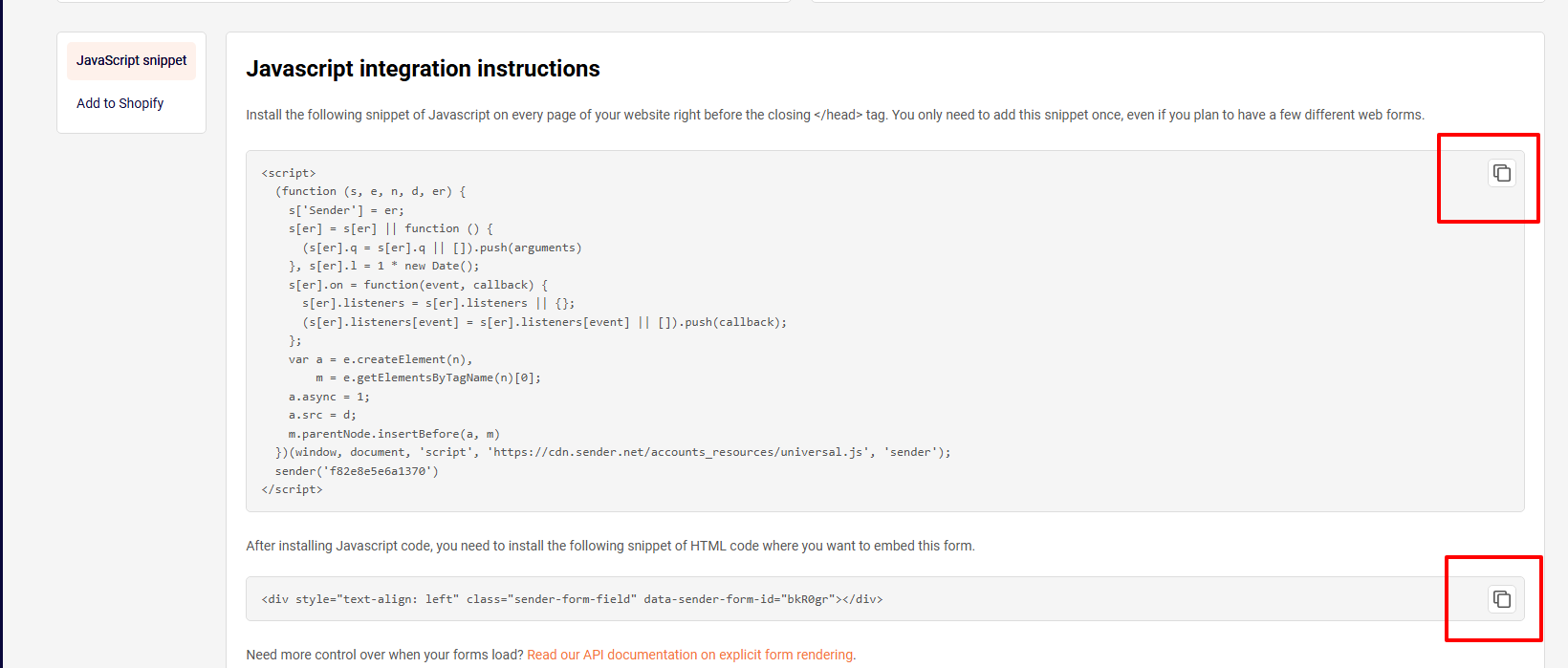
- In Publishing settings, scroll to the integration instructions. An embedded form gives you two snippets: – The JavaScript snippet loads Sender’s form script. It’s the same for every form in your account. – The HTML snippet is a short div that marks where this form appears on the page.
- Copy both.
Step 2: Add the code to Hostinger
- Open your site in Hostinger Website Builder and go to the page for the form.
- Add an Embed code element. Click Add element, then drag Embed code to where you want the form.
- Paste both snippets in the same box. Put the JavaScript first and the HTML below it. Don’t split them across two elements.
- Save, then resize the element so the whole form fits.
- Publish the site.
This video shows the whole process:
Step 3: Check the form works
- Open the live page, not the editor. Embedded forms may not fully show inside the Hostinger editor, so use preview or the published site.
- Send a test signup with your own email address.
- Check it arrived. In Sender, open the form’s Overview. Views and signups should go up, and your address should appear in the group the form adds subscribers to.
Fix embedded form problems
- An empty space shows where the form should be. One of the snippets is missing. Paste both into the same Embed code element, JavaScript first.
- Nothing shows at all. Check the form is published in Sender and the Hostinger page is published too.
- The form is cut off. Make the Embed code element taller or wider so the whole form fits.
- Test signups don’t arrive. If double opt-in is on, confirm the email first. See double opt-in for forms.
For more checks, see form troubleshooting.
What to set up next
Using another builder? See embed a form on a website builder. Then track signups in form analytics.
Leave a Reply