Yes, go ahead and click “Email campaigns” and then the “New Campaign” button.
After you’ve entered your campaign name, email subject, etc, you have the option to choose the campaign design – click on the “Plain text” icon and the “Start creating” button.
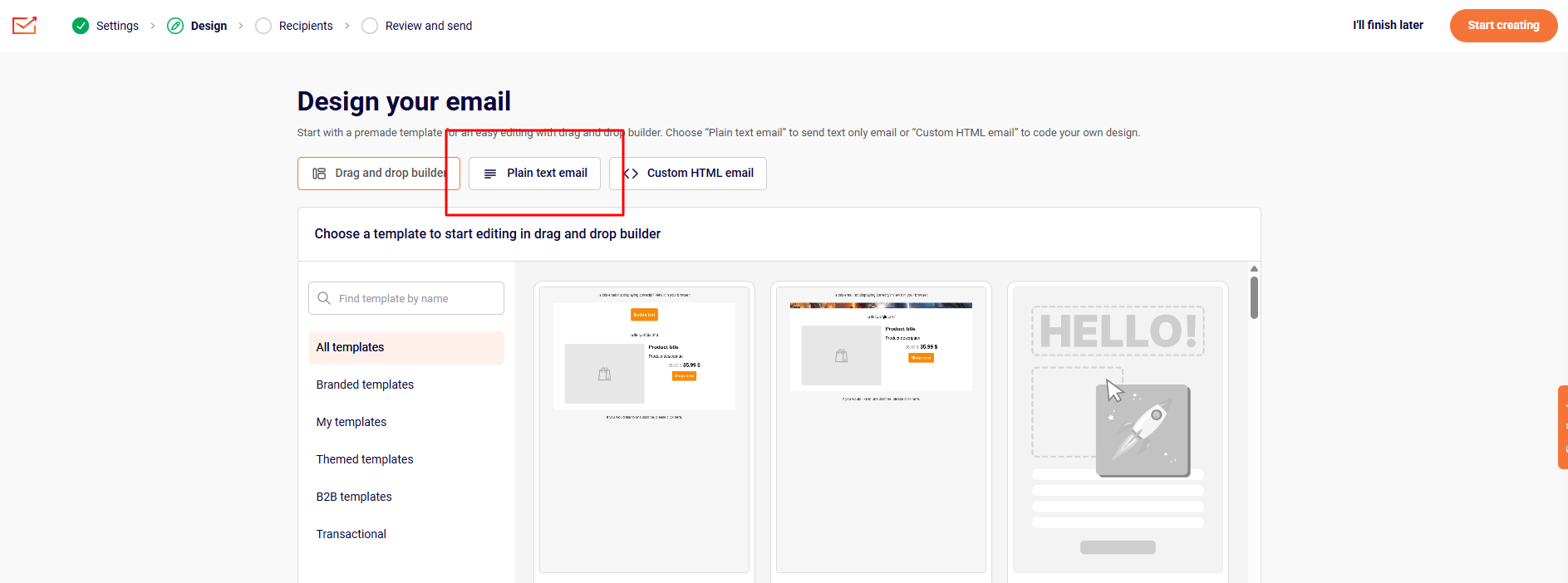
Then create the campaign of your liking.
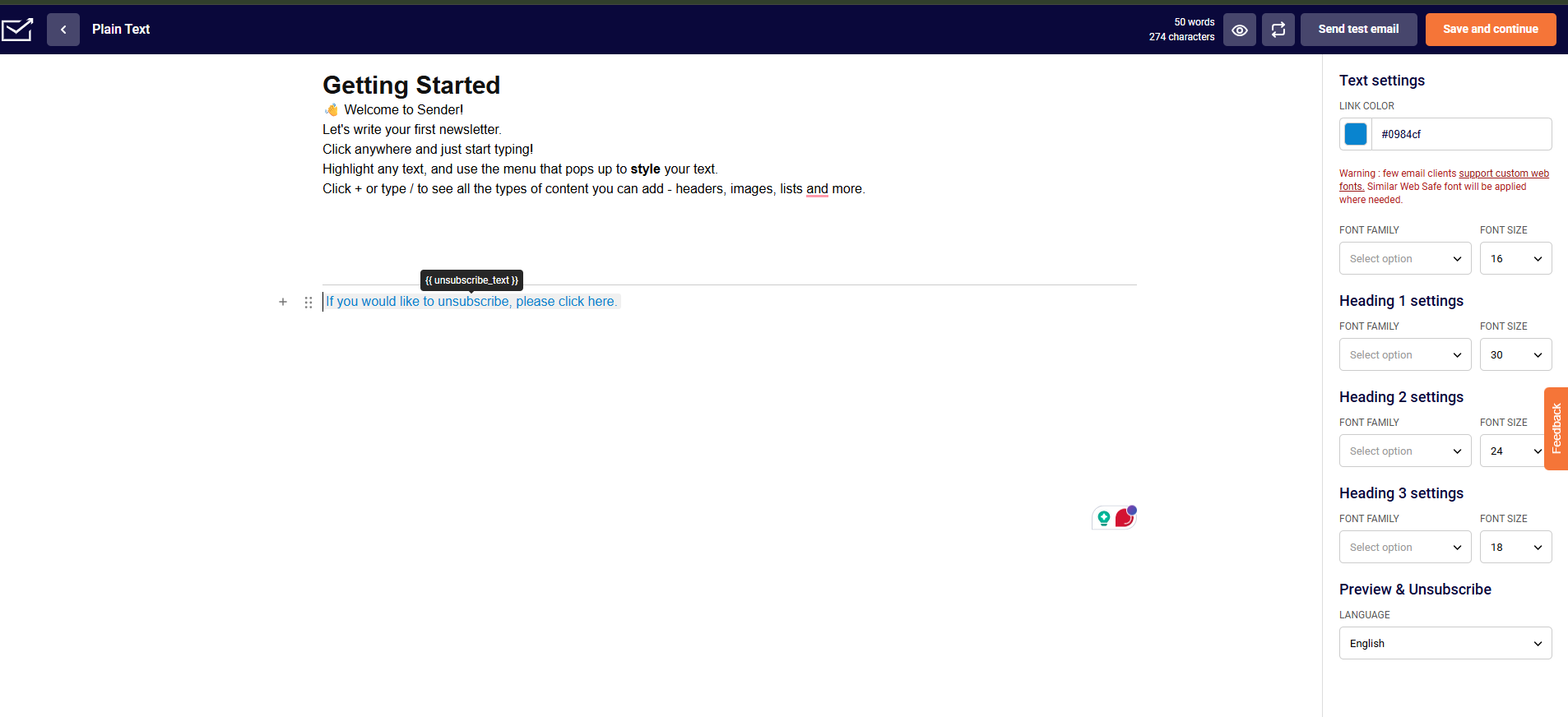
Once you’re done with the campaign, click the “Save and continue” button at the top right.
That’s it!
If you got stuck on a specific task or can’t find a way to execute a particular job, contact our support team via LiveChat or [email protected] – we’re here to help 24/7.
Leave a Reply