Of course, the easiest way to do that is by going to the Campaigns section and clicking on the “View Reports’ button. Then you will be taken to the Campaign overview; next, click on “Subscriber actions” and select the “Unopens” tab.
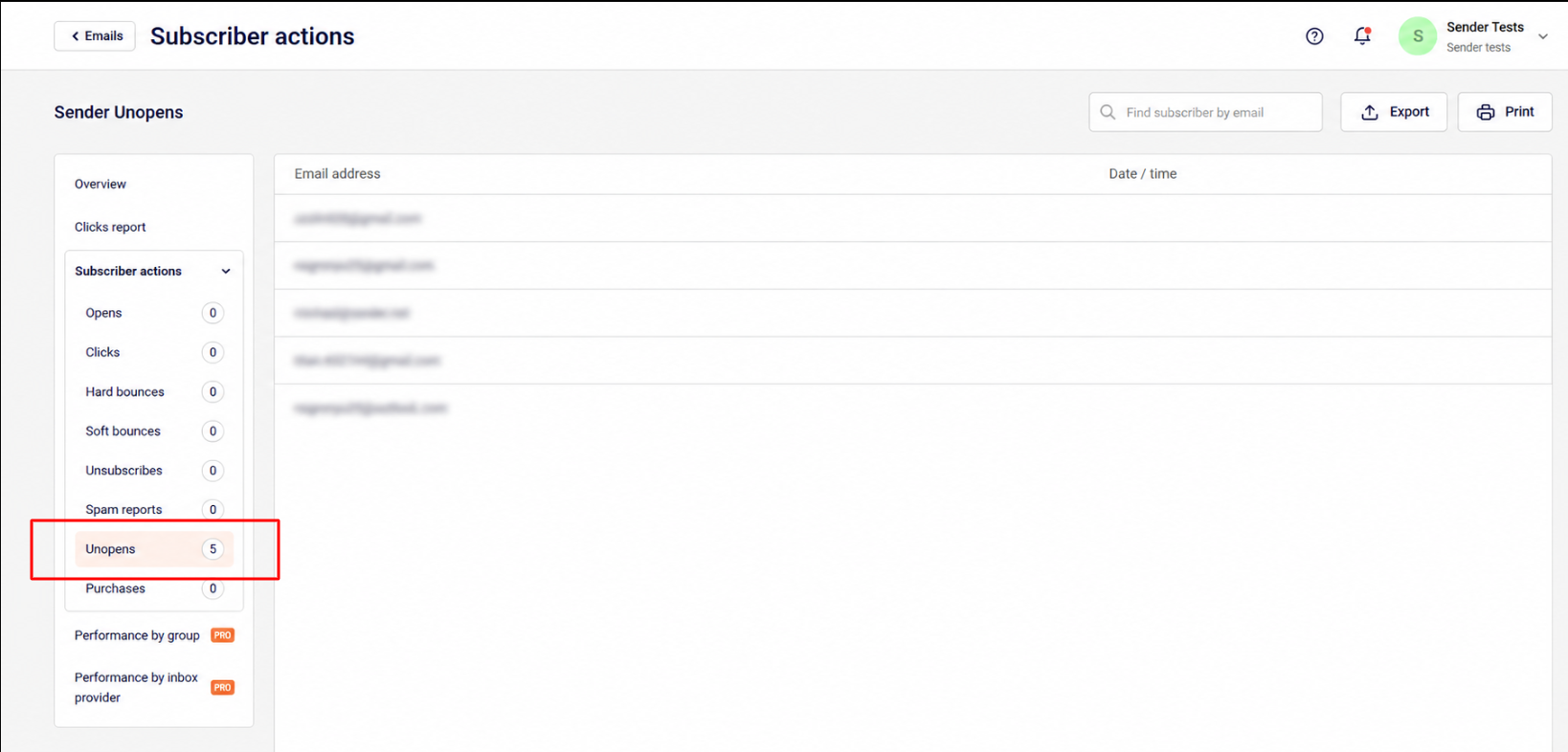
From here on, you will be able to export, print, view/edit individual subscribers who did not open this particular campaign.
That’s it!
If you got stuck on a specific task or can’t find a way to execute a particular job, contact our support team via LiveChat or [email protected] – we’re here to help 24/7.
Leave a Reply